Lasso Platform
Biosamples Dashboard
Tracks collection, storage, and shipment timing, accessioning, and results return status.
Collection Tracking#
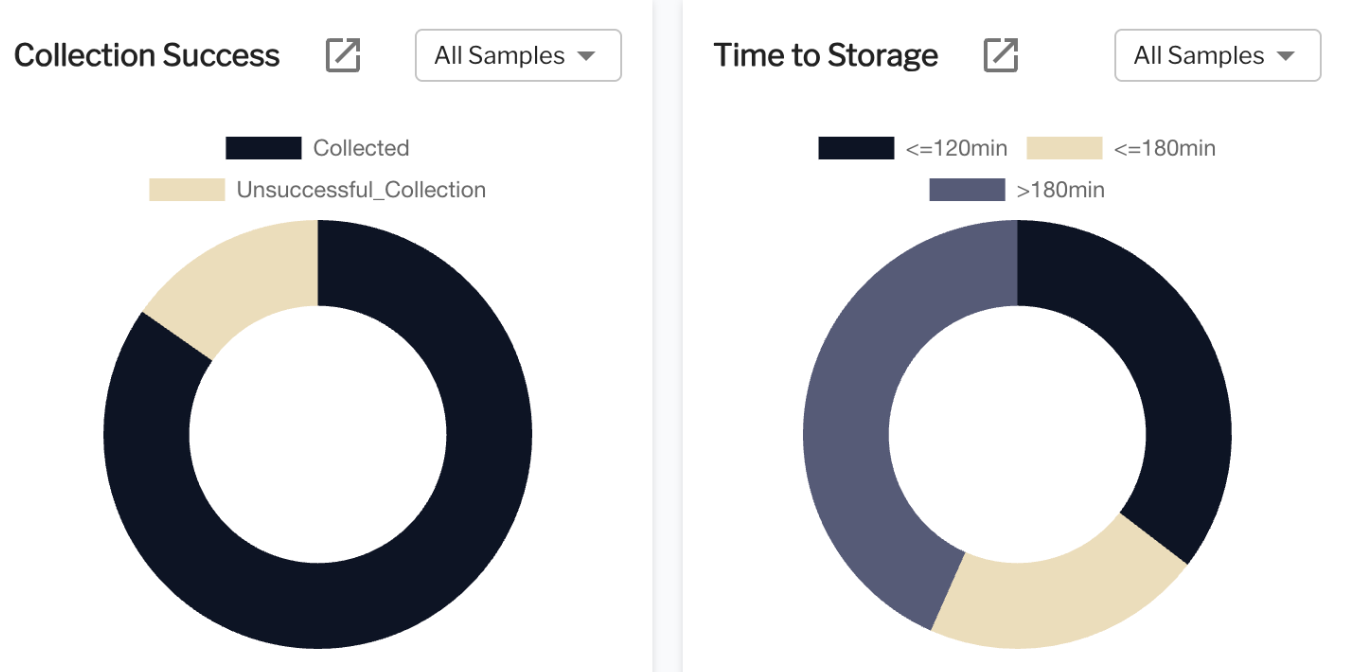
| Questions this view can answer | Information available in this view |
|---|---|
|
|
Configuration#
To configure QC dashboards, the CCC must provide the following information:
- How should statuses be defined? (e.g., Successful / Unsuccessful, Visit Status categories)
- What are the rules for delta thresholds? (e.g., Under 120 min, Under 180 min, Over 180 min)
- Are there optional dashboards you may want to add or customize?
Source of text in graphs
participant_idsample_typevisit_idcollection_status(values:Successful,Unsuccessful)site_idcollection_timestampstorage_timestamptime_to_storage(calculated:storage_timestamp-collection_timestamp)delta_categoryvisit_status