Platform Access Certificate (PAC) for Data Access
How to request access to study data via the Platform Access Certificate (PAC), and how role-based access control (RBAC) scopes what you can see and do once you have access.
Requesting Access#
This form requests access to study data collected through the ARIA IMPACT Network and ARIA Frontier Science Hubs. All ARIA study data live with the ARIA Data Coordinating Center (DCC), and access goes only to qualified investigators and authorized personnel involved in the studies.
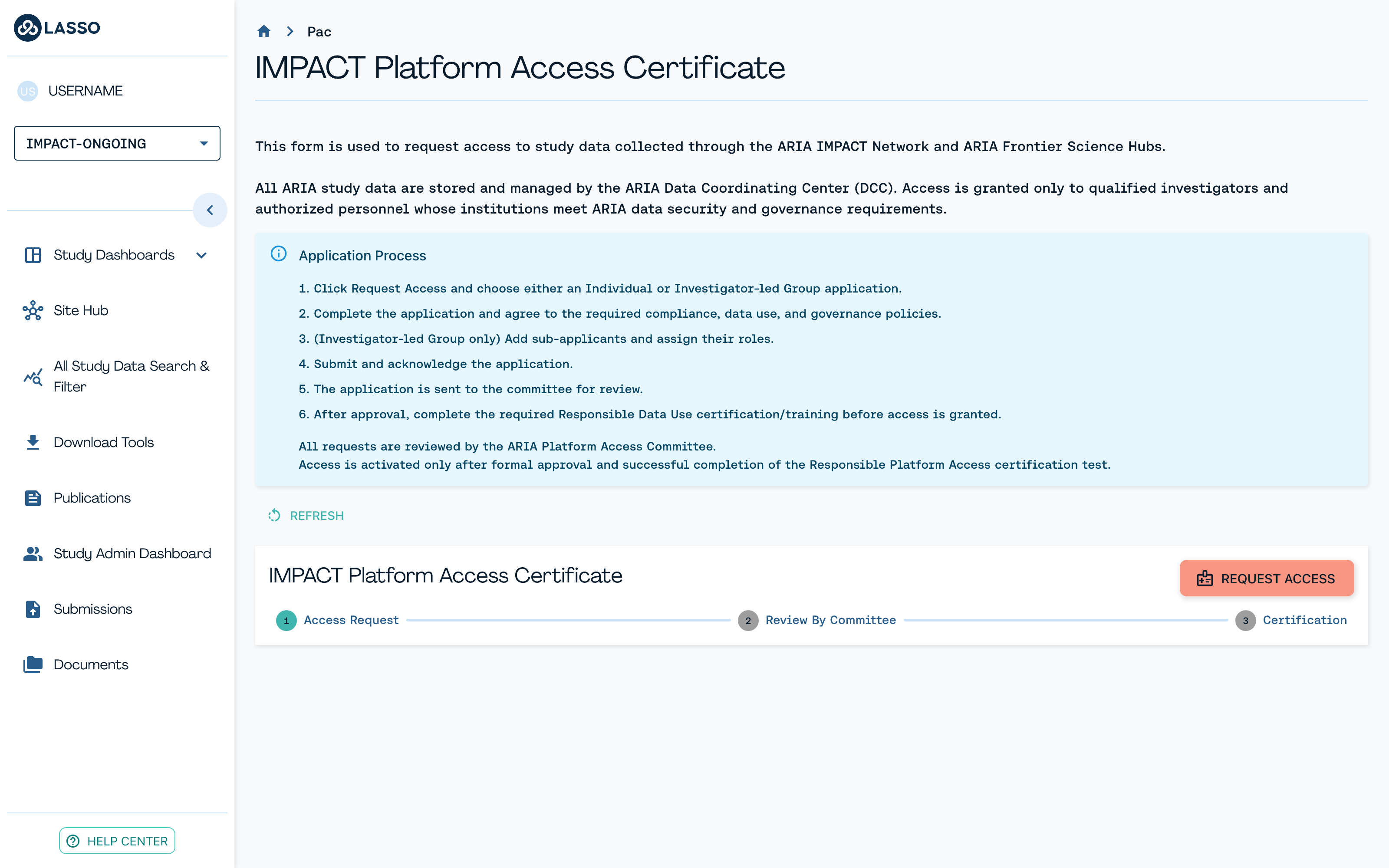
STEP 1 - Starting Your Request#
Click Request Access on the Platform Access Certificate page and choose between the following options in the popup that appears:
- Individual: Request access for yourself only.
- Investigator-Led Group: You are a research investigator requesting access for yourself and any number of additional people in your group.
You will then be directed to the following screen:
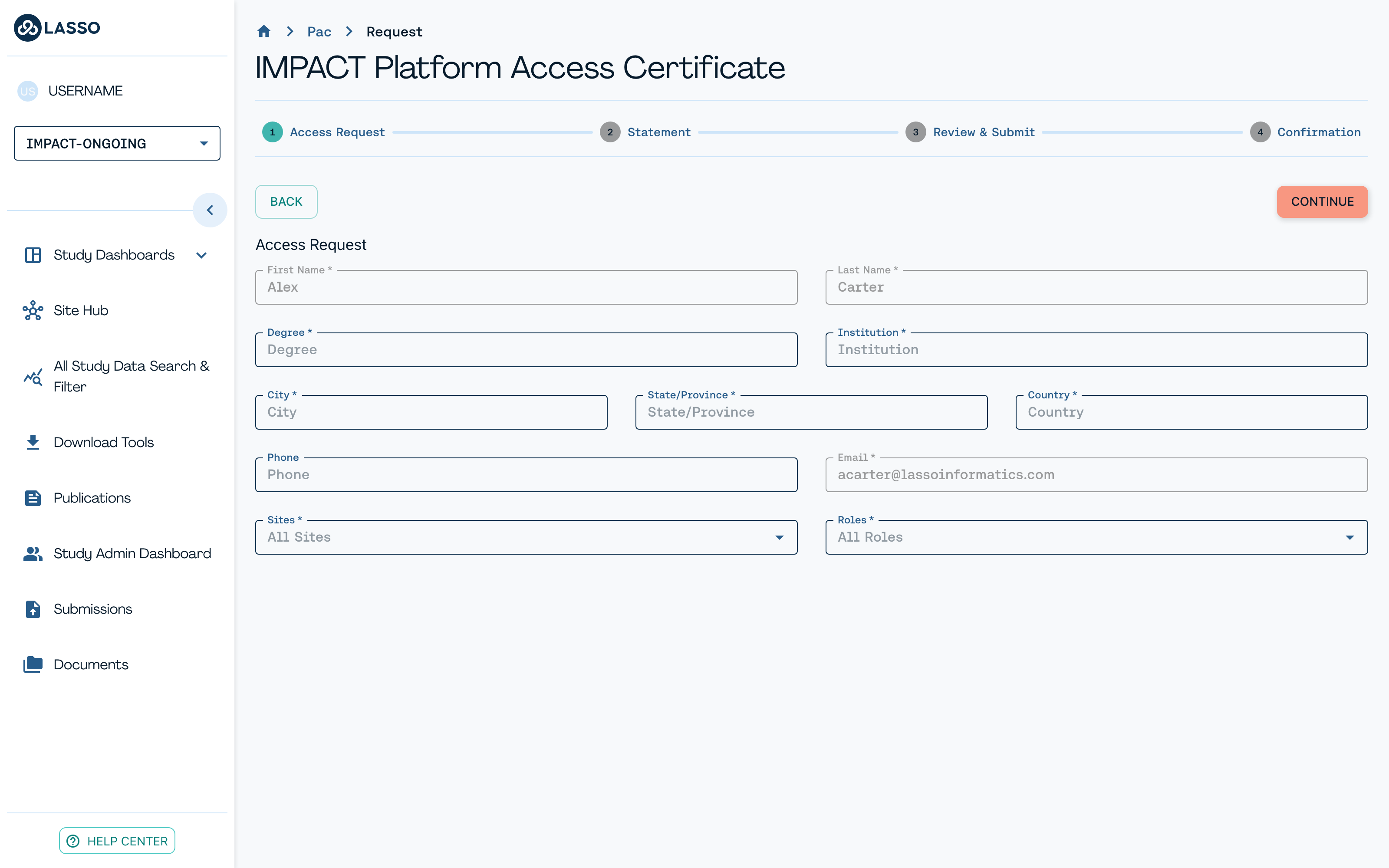
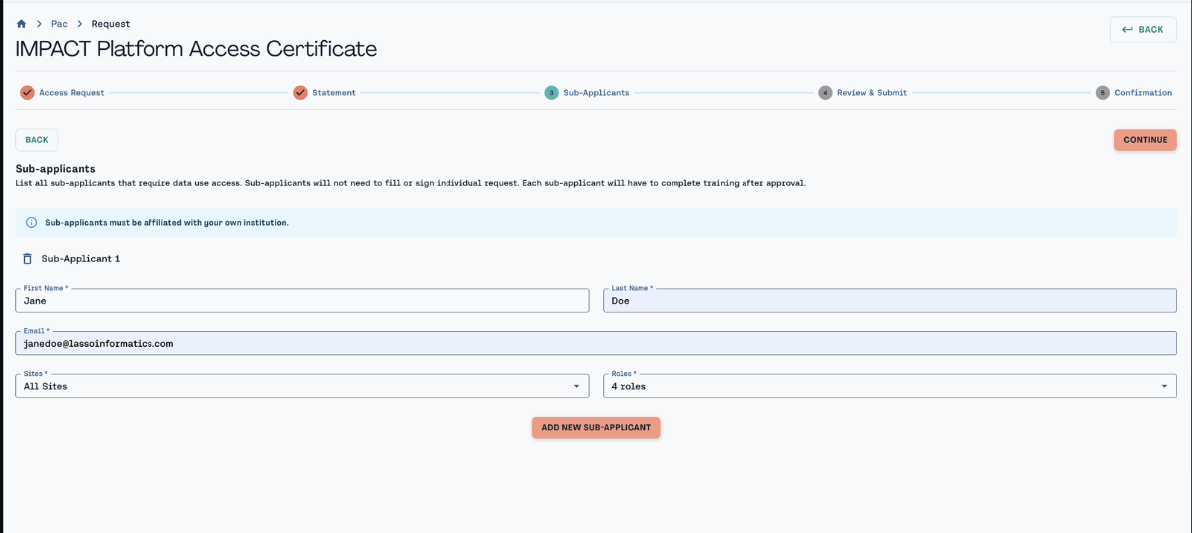
STEP 2 - Adding Sub-Applicants#
If you're leading a group request, add each sub-applicant's name, email, sites and roles. Sub-applicants must belong to your own institution. They do not submit a separate application, but each one must complete training after approval and before they can use their access.
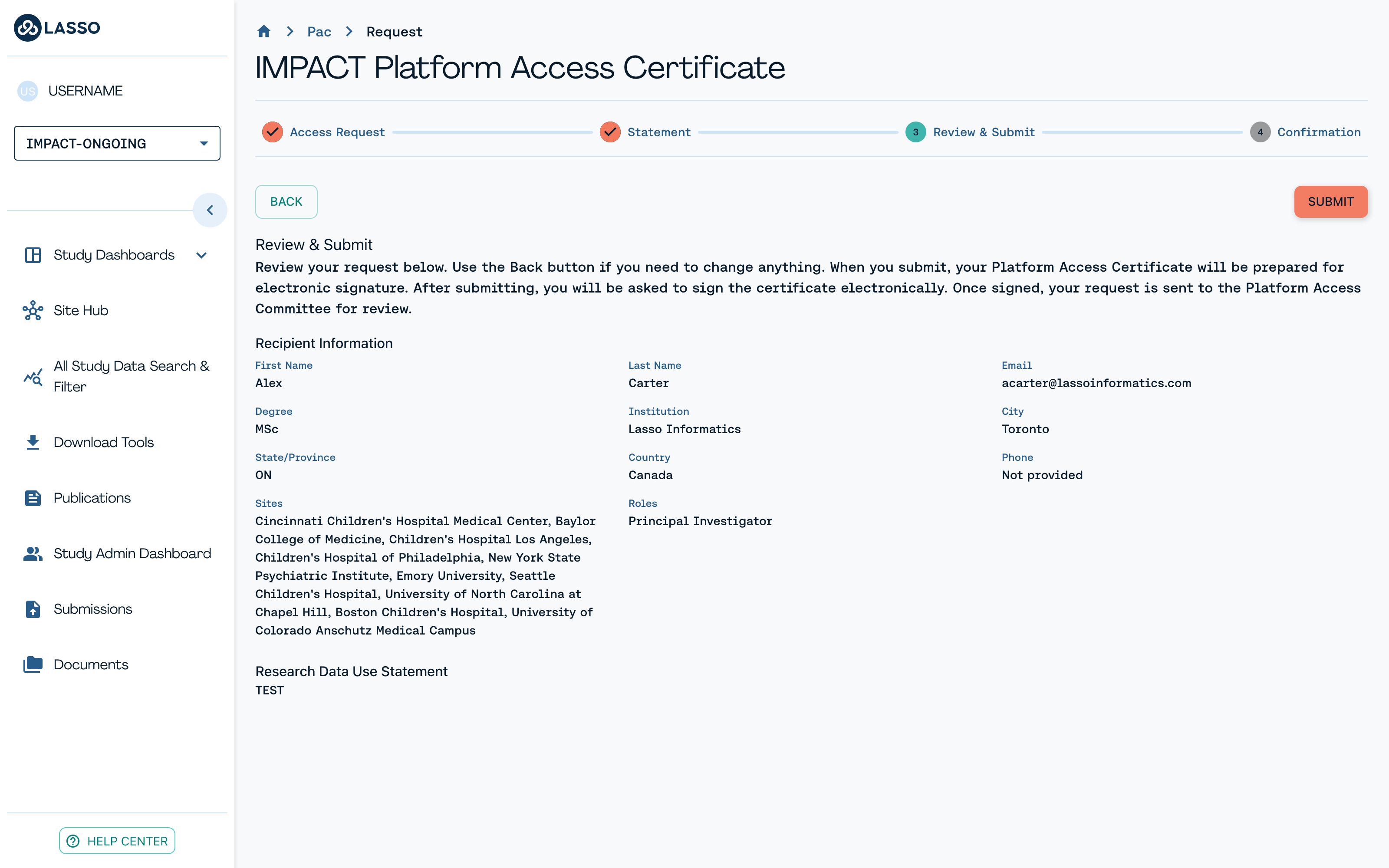
STEP 3 - Reviewing & Submitting#
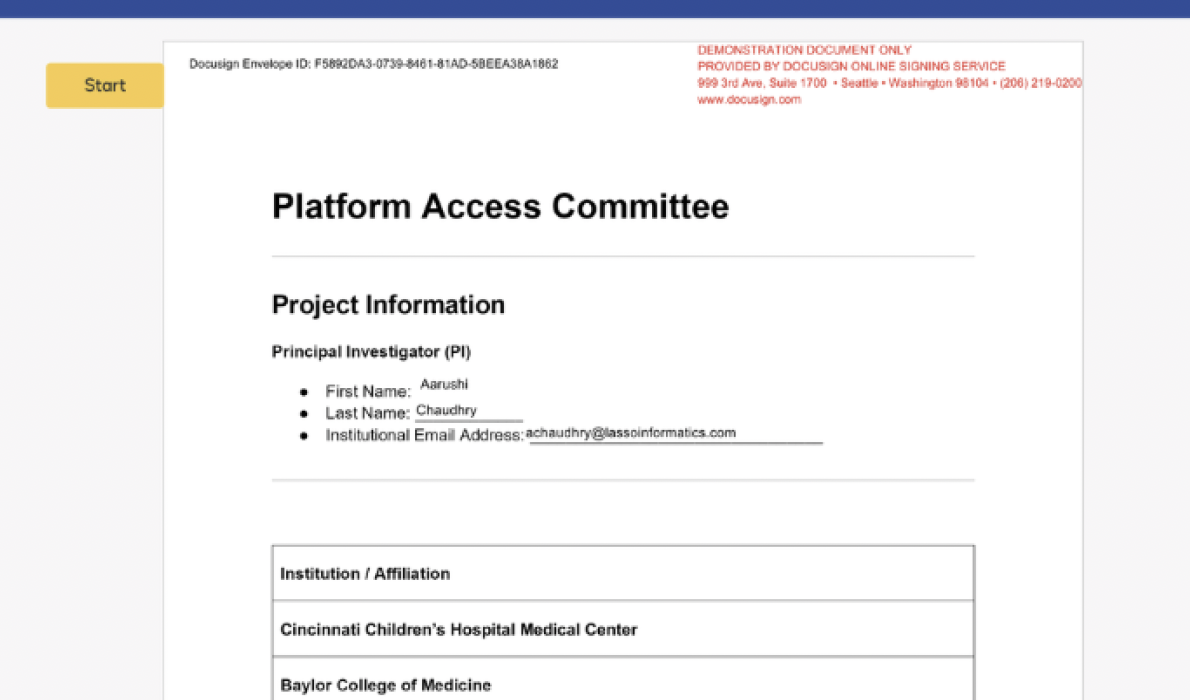
Please review everything you have entered, including your recipient information, sites, roles and data use statement, and use Back to fix anything before you submit. Submitting doesn't send your request to the committee yet: it prepares your Platform Access Certificate for acknowledgement.
STEP 4 - Acknowledgement & Certification#
Acknowledge the certificate electronically. Lasso pulls your details straight from the request form, so once you sign, your request routes automatically to the ARIA Platform Access Committee. You'll get an email when it is approved, and you can track progress from the dashboard in the meantime.
Access activates only after formal committee approval and successful completion of the Responsible Platform Access certification test, so build that timeline into your planning.
Role-Based Access Controls#
Role-Based Access Control (RBAC) governs platform access by giving each role a defined permission level for every module. This keeps you working only with the data and features that match your role and site, which protects participant privacy and keeps the network compliant.
The Four Permission Levels#
- All sites: view and work with data across every site in the study.
- Own site only: view and work with data limited to your assigned site.
- Named contacts only: view and contact only the specific participants or families assigned to you.
- No access: the module doesn't appear for your role.